How to Create a Character
To create a new Character in Promethist Studio:
-
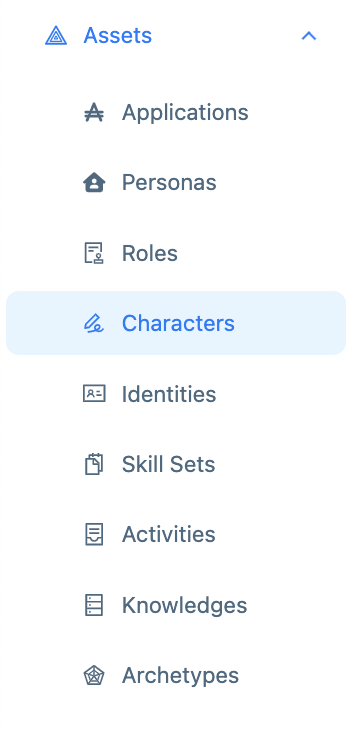
Navigate to the asset "Characters"
-
Click on "Create"

Fill in the fields as described in the Character Properties table below.
Character Properties
| Property | Description |
|---|---|
Character Asset Name |
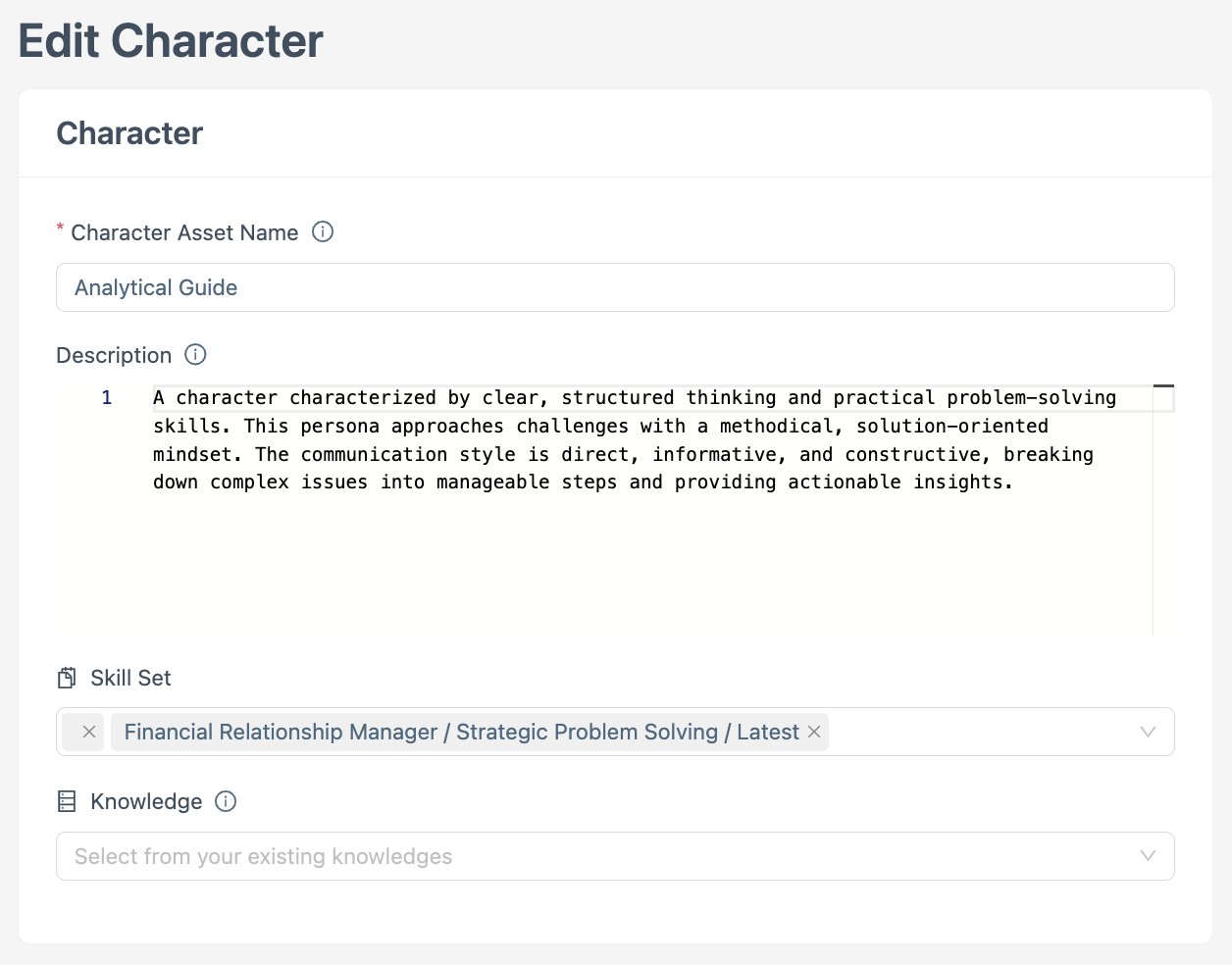
Create a concise name associated with the character. Example: Analytical Guide |
Description |
Describe in a few paragraphs the general features of the character — how it behaves, communicates, and emotionally interacts with users. Example: A character characterized by clear, structured thinking and practical problem-solving skills. This persona approaches challenges with a methodical, solution-oriented mindset. The communication style is direct, informative, and constructive, breaking down complex issues into manageable steps and providing actionable insights. |
Skill Sets |
Only general conversational skill sets should be added to a Character. These define the persona’s interaction style, emotional intelligence, and response strategies rather than its professional or functional expertise. Examples of Character-related skill sets: Emotionla Support Engagement – Emotional openness and community connection, focused on well-being and support. This enables to engage Users in supportive conversations, promoting emotional expression and community involvement. Empathetic Communication – Helps the persona show understanding and emotional support in conversations. Strategic Problem Solving – Identify challenges and propose actionable solutions, suitable to focused on strategic planning and progress. This enables to guide Users through problem identification and solution development. Guiding User Conversations – Ensures the persona maintains structured and productive interactions. Small Talk and Icebreakers – Helps initiate informal conversation before diving into the main topic. Politeness and Formality Management – Adjusts tone and formality based on context and user expectations. Why assign these? Unlike business skill sets, which focus on tasks or use cases, these enhance overall user experience by supporting smooth, emotionally intelligent interaction. |
Knowledges |
Knowledge added to a Character should support its social behavior, conversational depth, and emotional intelligence, rather than business functionality. Examples of Character-related knowledge: General Cultural and Social Knowledge – Enables conversation on common cultural topics and traditions. Example: Sayings, etiquette, historical events. Psychological and Emotional Intelligence Knowledge – Supports emotionally aware interaction. Example: Conflict resolution techniques, basic psychology. Literature, Arts, and Philosophy – For deeper, intellectual engagement. Example: Referencing philosophers or artistic movements. Humor and Lighthearted Content – Adds wit or levity. Example: Jokes, puns, pop culture references. Politeness and Social Norms – Ensures appropriate responses in social contexts. Example: When to use formal vs. informal speech. Why assign these? This type of knowledge helps shape how the persona interacts — aligning it with the intended psychological profile. |
Archetype |
Select from your existing Archetypes. This serves as a template that sets up the individual traits for the Character. |
Finalizing the Character
Once you have completed all desired fields for the new Character:
-
Click the Create button in the bottom-right corner.

Your Character is now created and saved. You can view it in the Characters main page.
You Want to Edit or Delete Your Character?
Edit a Character
To modify your Character:
-
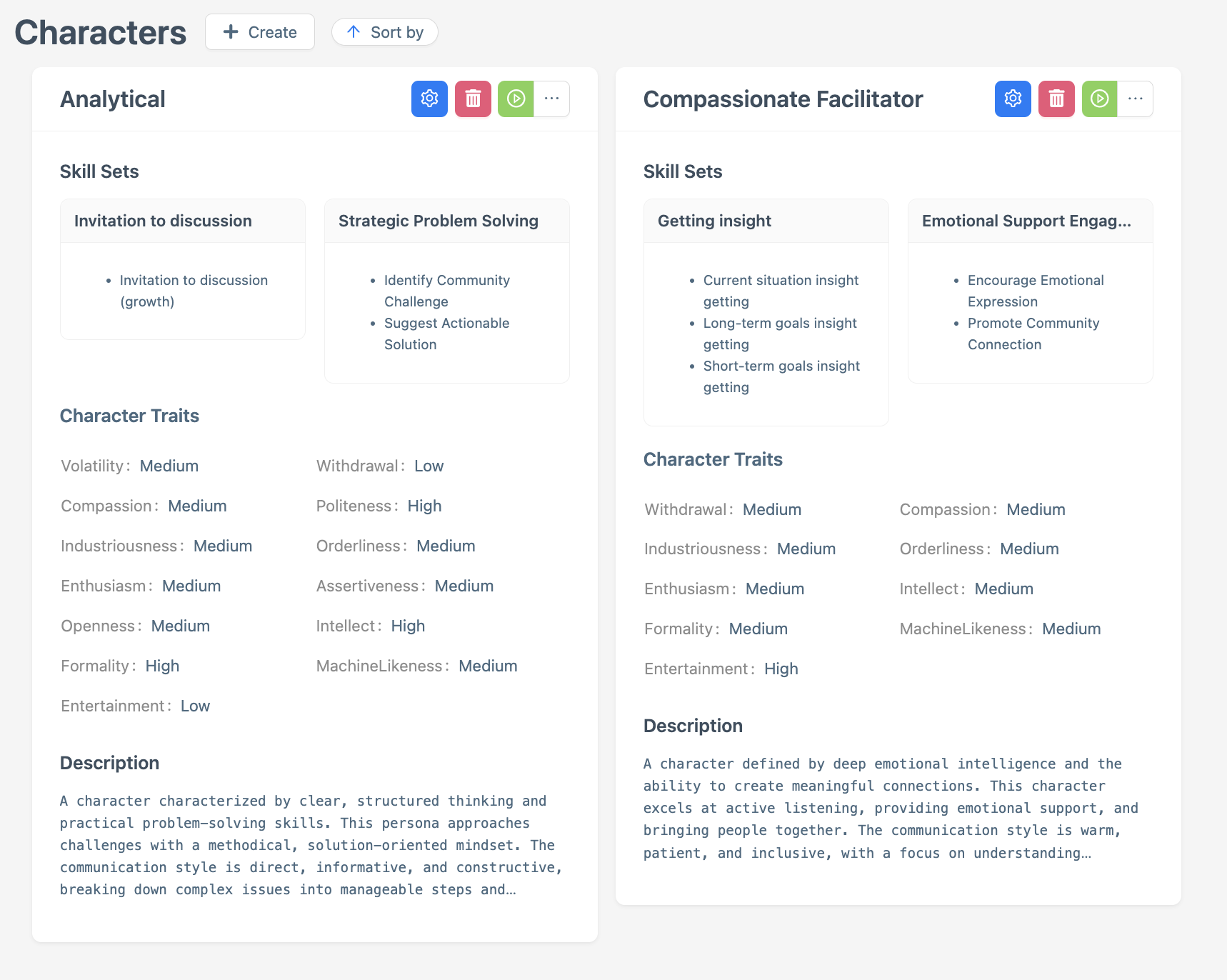
Navigate to the Characters main page and select the Character you want to modify.
-
Click the Edit button on the Character’s profile.

-
Update the Character Name, Role or Identity as needed.
-
Click Save to apply changes or Return to discard them.
-
Test the updated Character How to Test a Character.
Delete Your Created Character
To remove your Character:
-
Navigate to the Characters main page.
-
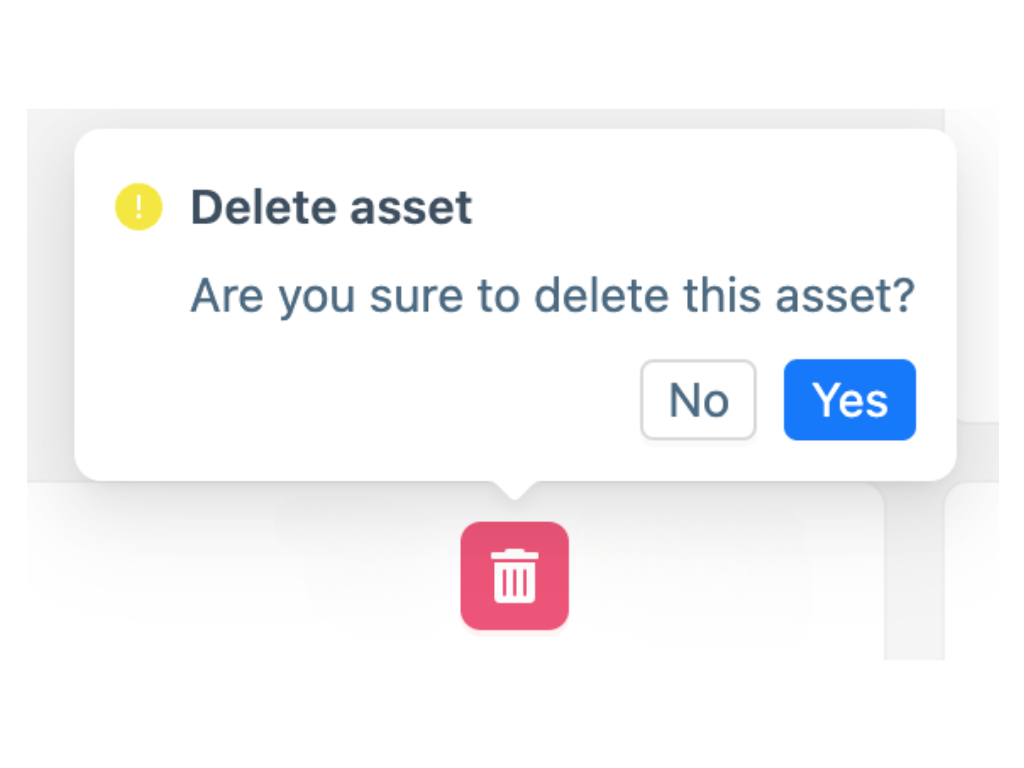
On the Characters main page, click the Delete button next to the Persona you want to remove. A confirmation window will open, asking if you want to delete the asset. Select Yes to delete the Persona or No to cancel.
|
The Character will disappear from the main Characters view screen and from any pending publishing changes if it has not been published. |